iOS App · OneComic

漫画库留在 NAS 上
手机上直接翻

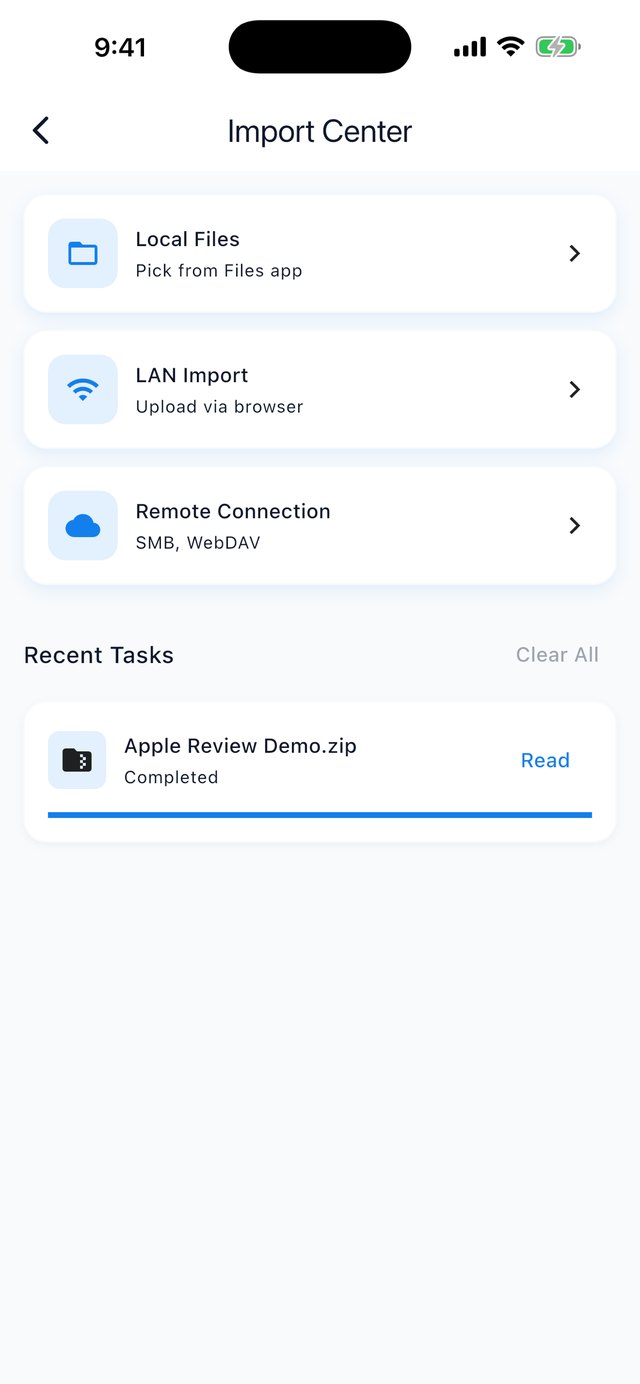
用 SMB 或 WebDAV 连上你的 NAS,翻目录、点开就读 —— 不用先把文件传进手机, 也不用把整个漫画库同步过来。

支持 CBZ / CBR / ZIP / RAR / EPUB / MOBI / AZW3 · 日式右起翻页 · 免费,无广告、无内购、无账号

在 App Store 下载 技术支持
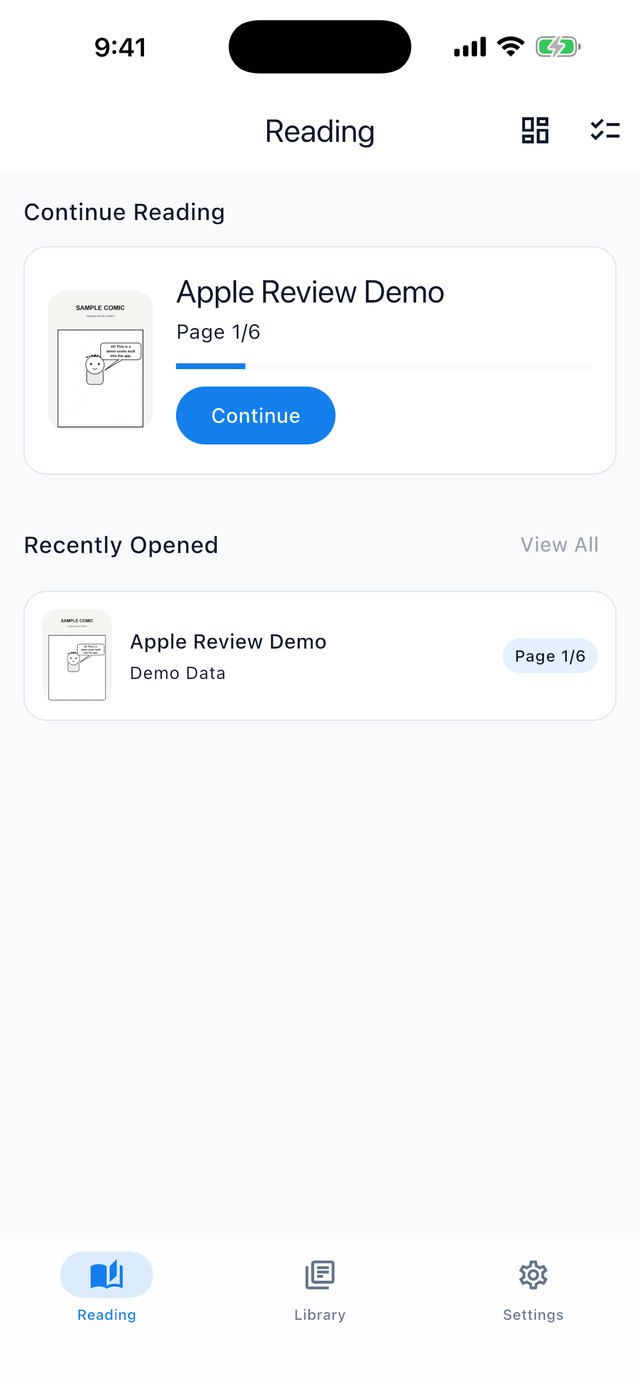
OneComic 书架首页书架
连接 NAS(SMB / WebDAV)连接 NAS
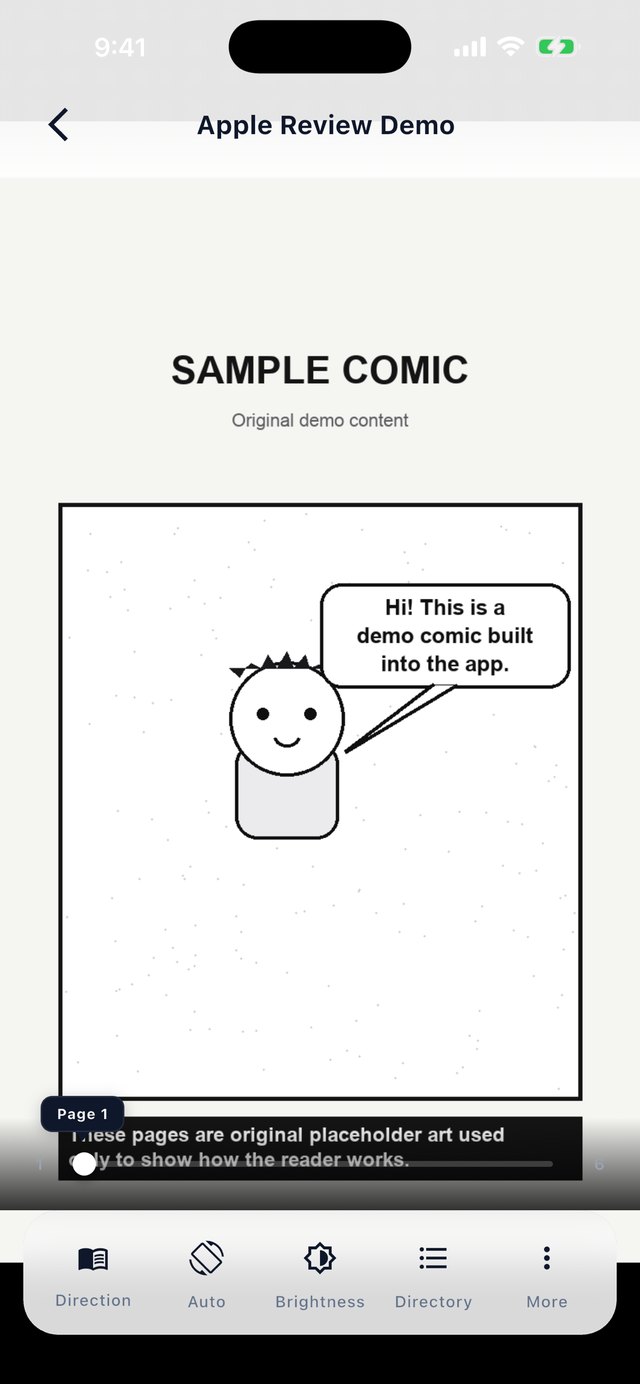
阅读页阅读
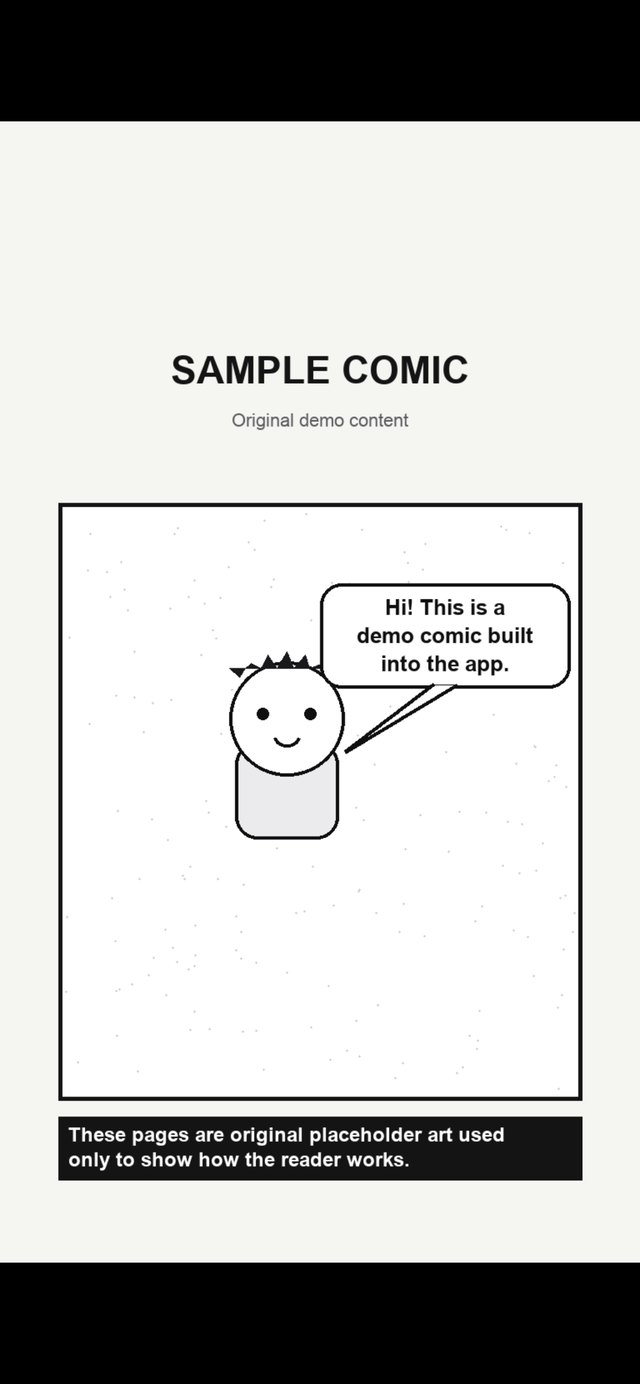
翻页与阅读设置翻页设置

核心特性

为「书在自己的硬盘上」这件事而做

📂

直连 NAS

用 SMB / WebDAV 连接局域网里的 NAS、路由器硬盘或电脑共享。翻目录、点开就读,不用手动传文件。

📚

格式齐全

CBZ、CBR、ZIP、RAR、EPUB、MOBI、AZW3,同时支持本地导入和浏览器 Wi-Fi 传书。

💾

占用透明

打开过的漫画会保存在本机。设置里能看到占用、设定上限、一键清空;删掉不影响 NAS 上的原文件。

🔄

双向阅读

同时支持从左到右与从右到左(日式漫画)阅读方向,以及双页跨页与长图。

🔒

文件不出内网

App 没有服务端,所有流量都在你的局域网里;不需要注册任何账号。

🚫

100% 无广告

没有广告、没有追踪、没有内购,只有你和你的漫画。

常见问题

关于连接、占用和隐私

支持哪些 NAS?
任何提供 SMB / CIFS 或 WebDAV 的设备都可以 —— NAS、路由器的 USB 硬盘、macOS / Windows 的文件共享、自建的 Unraid / TrueNAS 都行。
各家 NAS 的实现差异不小,如果连不上,把设备型号和系统版本告诉我们,我们会尽量补上。
需要外网吗?在户外能看吗?
局域网内就能用,不需要外网。如果你自己做了内网穿透,或者有公网可访问的 WebDAV,填那个地址也能在外网使用。
会把我硬盘上的文件上传到别处吗?
不会。OneComic 没有服务端,代码里没有任何上传逻辑,所有流量都发生在你的局域网内。你可以开着飞行模式验证:读本地文件时它完全不需要联网。
会占多少手机空间?
打开一本远程漫画时,会把那一本下载到手机上再解析 —— 这不是逐页流式读取。原因是 ZIP / RAR 的索引在文件末尾,不完整就无法解析。

所以它省掉的不是空间,而是手动搬运这一步,以及不必把整个漫画库同步到手机。

设置里可以看到占用、设定存储上限、一键清空。删掉本地副本不影响 NAS 上的原文件。
收费吗?有内购吗?
完全免费,没有内购,也没有付费版。不需要注册账号,不收集数据。
有 Android 版吗?会开源吗?
代码是 Flutter 写的,但目前只发布了 iOS,Android 没有排期。

不会开源。不过它是免费、无广告、无内购、不需要账号的,而且读本地文件时完全不需要联网 —— 这一点你可以自己验证。
为什么没有 PDF?
PDF 是流式文档,和图片型漫画的渲染路径完全不同,不是加个扩展名的事。在排期里。
iOS App · OneComic

Your comic library stays on your NAS
Your phone just reads it

Connect over SMB or WebDAV, browse your folders, tap a file and start reading. No manual transfer step, and no syncing your whole library to the phone.

CBZ / CBR / ZIP / RAR / EPUB / MOBI / AZW3 · right-to-left page turns for manga · free — no ads, no IAP, no account

Download on the App Store Support

Key Features

Built around one idea: your books already live on your drive

📂

Direct NAS access

Connect over SMB / WebDAV to a NAS, a router drive, or a shared folder on your LAN. Browse it, tap a file, and read — no manual copy step.

📚

Wide format support

CBZ, CBR, ZIP, RAR, EPUB, MOBI and AZW3, plus local import and Wi-Fi browser upload.

💾

Transparent storage

Anything you open is kept on your device. Settings shows how much, lets you set a cap, and clears it in one tap. Deleting a local copy never touches the file on your NAS.

🔄

Two reading directions

Left-to-right and right-to-left (manga), plus double-page spreads and long-strip images.

🔒

Nothing leaves your LAN

The app has no backend. All traffic stays inside your own network, and no account is required.

🚫

100% ad-free

No ads, no tracking, no in-app purchases — just you and your comics.

FAQ

Connection, storage and privacy

Which NAS devices are supported?
Anything that speaks SMB/CIFS or WebDAV — a NAS, a router with a USB drive, a shared folder on macOS/Windows, or a self-built Unraid/TrueNAS box.
NAS implementations differ quite a bit. If it fails to connect, tell us the device model and firmware version and we'll try to cover it.
Does it need internet access?
No. It works on your local network. If you've set up a VPN or a public WebDAV endpoint, that address works from outside too.
Does it upload my files anywhere?
No. The app has no backend and contains no upload logic — all traffic stays on your LAN. You can verify this with airplane mode: reading local files requires no network at all.
How much storage does it use on my phone?
Opening a remote book downloads that one file before parsing it — this is not page-by-page streaming. ZIP and RAR keep their central directory at the end of the file, so a partial archive can't be read at all.

What you save isn't disk space, it's the manual copy step and having to sync your whole library.

Settings shows the size, lets you set a limit, and clears it in one tap. Deleting a local copy never touches the original on your NAS.
Is it free? Any in-app purchases?
Completely free. No IAP, no paid tier. No account, and no data collection.
Is there an Android version? Is it open source?
The codebase is Flutter, but only iOS has been released — Android isn't scheduled.

It's not open source. It is, however, free, ad-free, IAP-free and account-free, and it needs no network at all when reading local files — which you can verify yourself.
Why no PDF support?
PDF is a streaming document format with a completely different rendering path from image-based comics — it's not a matter of adding a file extension. It's on the roadmap.

OneComic 是一款本地文件阅读器,不提供任何受版权保护的内容,用户需自行提供漫画文件。
OneComic is a local file reader and does not provide any copyrighted content. Users must provide their own comic files.

隐私政策 / Privacy Policy · 技术支持 / Support